

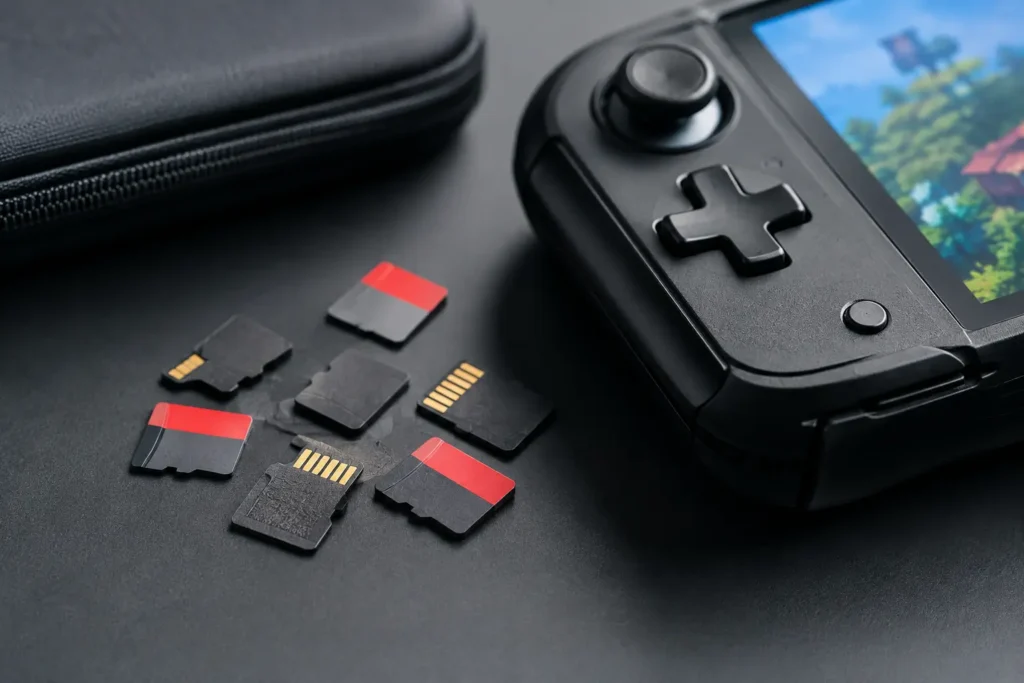
A cheap microSD card can turn a new handheld into a frustrating purchase. Games install slowly, storage fills up sooner than expected, and counterfeit cards can corrupt saves after a few weeks. The best gaming microSD cards are not necessarily the most expensive ones. They are genuine, appropriately sized for your device, and fast enough that you are not paying extra for speed your hardware cannot use.
For most budget shoppers, a 256GB or 512GB UHS-I card from a known brand is the sensible choice. It gives you room to build a real game library without spending close to the price of the device itself.
The best gaming microSD cards for most people
Samsung PRO Plus – best overall value
Samsung’s PRO Plus is the easy all-around recommendation for Nintendo Switch, Steam Deck, Android gaming phones, and retro handhelds. It is a UHS-I card with U3 and A2 ratings, meaning it has the speed and small-file performance to handle game installs and app storage well.
The 256GB and 512GB versions are usually the sweet spots. They offer enough space for a sizable Switch library or a Steam Deck collection without the steep premium that often comes with 1TB cards. If the PRO Plus costs only a little more than Samsung’s EVO Select or EVO Plus, get the PRO Plus. If the price gap is large, the cheaper Samsung card is still worth your money.
Samsung EVO Select or EVO Plus – best lower-cost pick
The EVO Select and EVO Plus are closely related mainstream cards that regularly offer better prices than gaming-branded options. For casual Switch use, emulation handhelds, and Android devices, their real-world difference from more expensive cards is usually hard to notice.
This is the card to buy when you want reliable storage rather than a spec-sheet victory. Look for a current U3-rated version from a reputable retailer. Older or lower-tier versions can be fine for basic storage, but the modest savings are not worth much if you are regularly installing large games.
SanDisk Extreme – best for frequent installs
SanDisk Extreme cards cost more, but they are a good choice for people who download, delete, and move games often. They have strong sustained performance for a microSD card and are widely compatible with gaming devices. The A2 rating is also useful on devices that can take advantage of it, including many Android phones and tablets.
For a Nintendo Switch, do not expect a dramatic increase in game loading speed over a good Samsung U3 card. The Switch itself sets the limit. The SanDisk Extreme makes more sense for a Steam Deck, Android gaming, or anyone who values faster transfers from a computer. Buy it on sale, not at full price.
Lexar PLAY – best for large game libraries
Lexar PLAY is designed and marketed for portable gaming, but the practical reason to consider it is capacity. It is commonly available in larger sizes, including 512GB and 1TB, and is often priced below equivalent cards from Samsung or SanDisk.
It is a good fit for Steam Deck owners and Nintendo Switch players who prefer to keep most of their library installed. Performance is adequate for gaming, although it is not automatically a better card than the Samsung PRO Plus just because the package says “PLAY.” Compare the actual capacity and price. If Lexar PLAY is substantially cheaper at the same size, it is worth considering.
Kingston Canvas Go! Plus – a dependable alternative
Kingston Canvas Go! Plus is a solid alternative when Samsung and SanDisk cards are overpriced or out of stock. It carries U3 and A2 ratings and is fast enough for every common handheld use case. Kingston is an established storage brand, which matters more than flashy packaging when you are trusting a tiny card with downloads and save data.
This one is especially worth a look when the 256GB or 512GB version is discounted. Do not pay a premium over the Samsung PRO Plus, but it is a sensible substitute at the right price.
Silicon Power Superior – best only when it is much cheaper
Silicon Power’s Superior line can be a good budget card for retro handhelds, music, media, and lighter gaming libraries. The company is legitimate, and many of its cards deliver reasonable value. Still, quality control and sustained performance are not as consistently reassuring as Samsung, SanDisk, or Kingston.
Choose it when the savings are meaningful, not when it is just two or three dollars cheaper. For a device holding hundreds of hours of emulation setup, ROM organization, and save files, paying a little more for a top-tier card is usually the smarter move.
Pick capacity before chasing speed
Storage capacity affects your day-to-day experience more than a marginal speed upgrade. A 128GB card works for a retro handheld packed with 8-bit, 16-bit, and arcade games. It can also hold a modest Switch library, but modern games and updates will fill it faster than many buyers expect.
For most people, 256GB is the best starting point. It is affordable, widely available, and large enough to avoid constant game management. A 512GB card is worth the extra money for Steam Deck owners, Switch players who buy mostly digital games, or anyone who wants one card for a large emulation collection.
A 1TB card is useful, but it is not automatically a good deal. Buy one when you know you will use the space and the price per gigabyte is reasonable. Otherwise, a quality 512GB card is often the better value. A smaller card from a trusted brand beats a suspiciously cheap 1TB card every time.
What the speed labels actually mean
Most gaming handhelds use UHS-I microSD storage. That means ultra-fast UHS-II cards are generally wasted money for a Nintendo Switch, Steam Deck, or typical retro handheld. The device cannot take full advantage of the extra interface speed.
Look for U3 and preferably A1 or A2. U3 indicates the card is rated for at least 30MB/s sustained writing, which helps with game downloads, updates, and copying files. A1 and A2 refer to app performance – how well a card handles lots of small reads and writes. A2 is nice to have, but do not overpay solely for it because the host device also has to support its features.
Avoid cards that show only a Class 10 label with no UHS speed class, especially for Steam Deck or Android game storage. They may work, but they are more likely to feel slow during installs and transfers. V30 video ratings are common on good cards, but gaming does not require a card just because it has a V30 badge.
Device-specific buying advice
For Nintendo Switch, Switch Lite, and Switch OLED, buy a reputable 256GB or 512GB UHS-I U3 card. Samsung EVO Select, Samsung PRO Plus, and SanDisk Extreme are all sensible. Ignore claims that one card will radically improve loading times. The Switch benefits far more from enough capacity than from premium speed.
For Steam Deck, start at 512GB if your budget allows. Modern PC games are large, and the Deck’s internal storage can disappear quickly. Samsung PRO Plus, SanDisk Extreme, Lexar PLAY, and Kingston Canvas Go! Plus are dependable choices. Use the Deck’s built-in formatting tool after installation.
For retro handhelds, compatibility and authenticity matter most. A 128GB or 256GB card is enough for most systems, while 512GB makes sense for large PlayStation 2, GameCube, or PSP collections. Many budget handhelds include a no-name card in the box. Replace it early. Those bundled cards are a common cause of missing saves, corrupted files, and boot problems.
How to avoid a bad microSD card purchase
Counterfeit storage is still a real problem, especially on marketplaces with third-party sellers. A fake card may report 1TB of capacity but fail once you write beyond its actual, much smaller storage limit. It can seem normal at first, then quietly damage game files.
Buy from established retailers, verify that the seller is reputable, and be wary of prices that are far below normal. Check the packaging for print quality and compare the card’s listed capacity with its actual available space after formatting. If you have doubts, test the card with a capacity-verification tool before loading it with games or saves.
Also skip generic “gaming edition” cards from brands you have never heard of. A themed label, RGB-style graphics, or a claimed 200MB/s speed does not make unknown storage reliable. Your game library is not the place to gamble to save five dollars.
Once you pick a card, format it in the device that will use it, keep a backup of important saves where possible, and spend the savings on games instead of storage specs your handheld cannot use.