

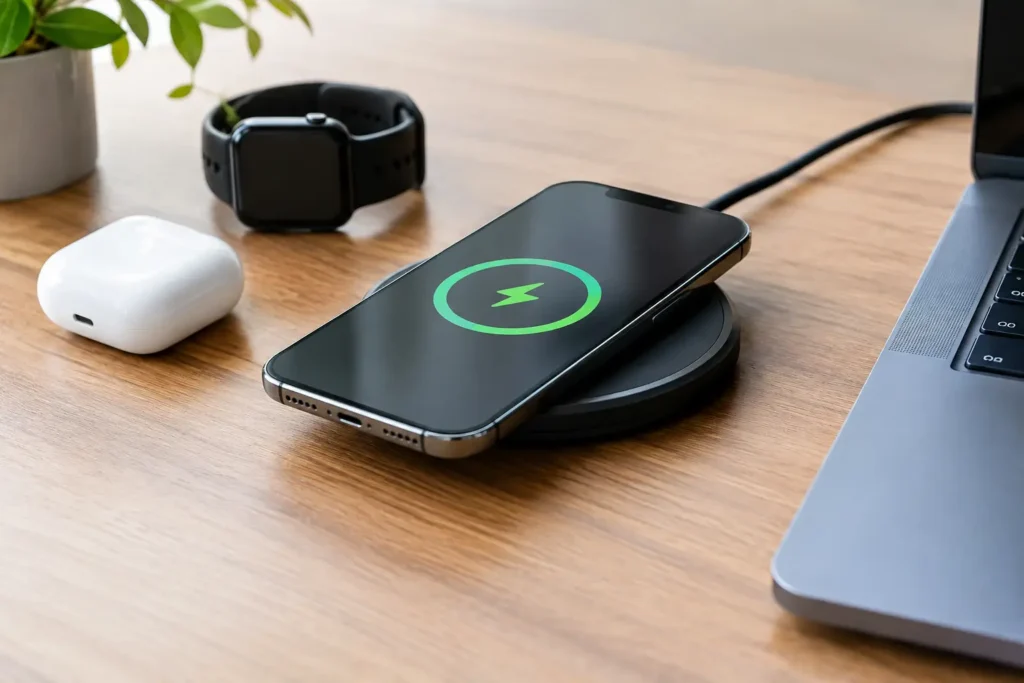
A $15 charging pad can be one of the handiest accessories on your nightstand. It can also be a slow, fussy piece of plastic that makes your phone hot and leaves it at 42% by morning. Wireless chargers are convenient when you buy the right type for the right place. They are not automatically faster, safer, or better value than a cable.
For most budget shoppers, the goal is simple: buy a dependable charger that works with your phone and does not create daily annoyances. That means checking charging standards, power requirements, case compatibility, and the charger included in the box before you focus on looks.
When wireless chargers are worth buying
A wireless charger makes sense when convenience matters more than maximum charging speed. A flat pad is useful beside the bed, on a desk, or in a kitchen where you regularly set your phone down. A stand is better if you want to see notifications, follow a recipe, or use your phone as a clock while it charges.
They are especially worthwhile for overnight charging. Most people do not need their phone to go from empty to full in 30 minutes while they sleep. A basic, certified pad that reliably tops up your phone over several hours is often better value than paying extra for the highest wattage available.
The trade-off is efficiency. Wireless charging loses more energy as heat than wired charging, so it usually charges more slowly and may warm up the phone and charger. If you frequently need a quick charge before leaving home, a good wired USB-C charger is still the smarter primary charger. Think of wireless charging as a convenient second charging spot, not necessarily a replacement for a cable.
Start with your phone, not the charger
The first question is whether your phone supports wireless charging at all. Many premium phones do, but plenty of affordable Android phones do not. Do not assume that a USB-C port means a phone can charge wirelessly. It only means the phone can charge through a cable.
Most compatible phones use the Qi standard, pronounced “chee.” Qi chargers work with many iPhones, Samsung Galaxy phones, Google Pixel phones, and other supported devices. But compatibility does not guarantee the same speed. Your phone may accept 5W, 7.5W, 10W, 15W, or more depending on its model, its software, and the charger itself.
Newer magnetic charging accessories may use Qi2. Qi2 is designed to improve alignment with a magnetic ring, which can make charging more reliable and reduce wasted energy from a poorly positioned phone. It is worth considering for newer iPhones and compatible Android devices if the price difference is reasonable. Do not pay a large premium just for the Qi2 label if a standard Qi charger already meets your needs.
Apple users should also be careful with the word “MagSafe.” Some chargers are genuinely MagSafe-certified or Qi2-certified. Others are simply magnetic and advertised as “MagSafe compatible.” A compatible charger may stick to an iPhone or a magnetic case, but it may not deliver the same charging speed or reliability. That does not make it useless. It just means you should judge it by its actual specifications and price, not the marketing term.
Pad, stand, or magnetic charger?
The best shape depends on where you will use it.
A charging pad is usually the cheapest option. It takes up little space and works well for overnight charging. Its weakness is alignment: place your phone too far from the center, and it may charge slowly or not at all. Pads are fine for a nightstand, but they are less convenient if you need to glance at your screen often.
A charging stand holds the phone upright. This is usually the most practical choice for a work desk or kitchen counter. You can see incoming calls and notifications without picking up the phone. Look for a stand with a wide, non-slip base and a charging coil positioned high enough to work with your phone. A poorly designed stand can charge one phone well and miss the coil on another.
A magnetic puck or stand is the easiest option for supported iPhones and phones with a proper magnetic case or ring. The magnets help place the device correctly every time. This is a real benefit, not just a cosmetic feature. Better alignment means fewer mornings when you discover the phone never charged. Still, a magnetic charger is not automatically worth $40 or more. Affordable Qi2 options can be good value, while many generic magnetic chargers are overpriced for what they deliver.
A multi-device station can charge a phone, wireless earbuds, and a smartwatch in one spot. This can clean up a bedside table, but it is also where shoppers overpay most often. Cheap three-in-one stations may use weak coils, include a low-power wall adapter, or rely on an awkward watch attachment. Buy one only if you will truly charge multiple devices there every day. Otherwise, separate chargers are often cheaper and easier to replace.
Wattage matters, but not the way listings suggest
A product page that says “15W fast wireless charging” can be misleading. That number is often the charger’s maximum output, not what your phone will receive. Your device, case, temperature, and power adapter all affect the final result.
For overnight use, 7.5W to 10W is usually enough. For a desk charger, 15W or Qi2 can be worth paying for if your phone supports it and you want shorter top-ups between meetings or errands. Higher claimed wattage beyond that is often a feature you will not use, especially on a budget phone.
Also check the wall adapter requirement. Many wireless chargers include only a USB-C cable, not the power brick. A charger may need a 20W USB-C Power Delivery adapter to reach its advertised speed. Plug it into an old 5W cube or a weak USB port, and it will charge much more slowly. If you already own a good 20W or 30W USB-C charger, buying a pad without an adapter can save money. If you do not, calculate the total cost before calling a cheap pad a bargain.
Cases, heat, and everyday reliability
Your case can make or break wireless charging. Thin plastic, silicone, and many standard protective cases work without trouble. Thick rugged cases, metal plates, wallets, pop grips, and credit cards placed between the phone and charger can block charging or create extra heat.
Avoid leaving bank cards, hotel key cards, or RFID badges between your phone and the charging surface. A wireless charger may not damage every card, but there is no reason to risk it. Remove metal accessories and use a case specifically designed for wireless charging if you want dependable results.
Some warmth is normal. Excess heat is not. Phones reduce charging speed when they get hot, so a charger that runs warm may take longer than its rating suggests. If your phone repeatedly becomes uncomfortably hot, stops charging, or displays a temperature warning, stop using that setup. Try removing the case, moving the charger away from direct sunlight, and using a better power adapter. If the problem continues, skip that charger.
Heat is also why cheap no-name chargers are a poor gamble. A low price is not a problem by itself, but vague listings, misspelled specifications, and no meaningful safety information are warning signs. Look for clear Qi or Qi2 certification claims, a known retailer or manufacturer, a stated warranty, and realistic wattage details. “Fast charge” printed in large letters without supporting information is not enough.
What budget shoppers should avoid
Skip ultra-cheap chargers that bundle a pad, cable, adapter, and multiple-device station for a price that barely covers a decent cable. Those bundles often cut corners on the power supply and long-term reliability. They may work at first, then start disconnecting, buzzing, or charging only when the phone is placed at exactly the right angle.
Be cautious with chargers built into lamps, alarm clocks, car mounts, and novelty desk accessories. Some are useful, but the wireless charger is often an afterthought. If charging is the main reason you are buying it, choose a dedicated pad or stand from a brand that clearly lists compatibility and adapter requirements.
Do not buy a 3-in-1 station just because it looks tidy if you only own a phone. Do not buy a magnetic charger for an Android phone without confirming that the phone or case has the necessary magnetic ring. And do not replace a perfectly good wired setup merely because wireless charging feels more modern. Convenience has value, but only when you will actually use it.
A practical buying checklist
Before you check out, confirm four things: your phone supports Qi or Qi2 charging; the charger supports your phone’s realistic maximum speed; your case will not interfere; and you have the required USB-C wall adapter. Then choose a pad for low-cost overnight charging, a stand for a desk, or a magnetic model when easy alignment is worth a little more.
The best wireless charger is usually not the one with the biggest wattage number or the fanciest bedside display. It is the one that charges your actual phone reliably, stays reasonably cool, and costs little enough that you will not regret buying it.